Warehouse Execution
Manage receiving docks, production staging, finished goods storage, and shipping operations. Directed workflows keep your floor crew moving.
Multi-Warehouse Operations
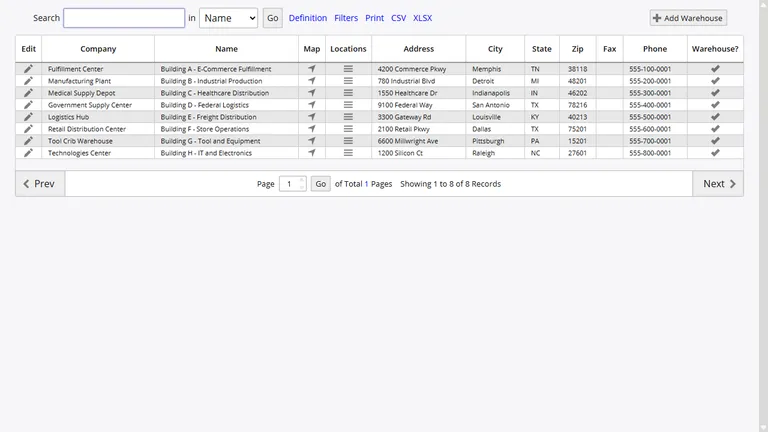
InventoryPro handles unlimited facilities — plants, distribution centers, raw material yards, or finished goods warehouses. Each site gets its own location hierarchy, restocking rules, barcode setup, and ship-from/ship-to designation.
- Role-based access controls per facility
- Independent location hierarchies per site
- Supports manufacturing plants, 3PL, and multi-site networks
Location Hierarchy and Bin Management
Each facility in InventoryPro mirrors your physical floor layout. Zones, aisles, racks, shelves, and bins are organized in a hierarchy with standardized codes your crew already recognizes. Capacity limits, putaway rules, and pick sequencing are set per location.
Print location barcodes directly from the system for scanner-based confirmation at receiving, putaway, and pick. Parent-child location relationships handle multi-level racking, mezzanines, and climate-controlled zones without cluttering the location master.
Warehouse Maps and Zone Configuration
InventoryPro turns your floor plan into a digital map. Define zones, aisles, and staging areas to drive pick-path optimization and directed putaway. Pick lists are sequenced by the shortest route through the mapped layout so operators spend less time walking and more time picking.
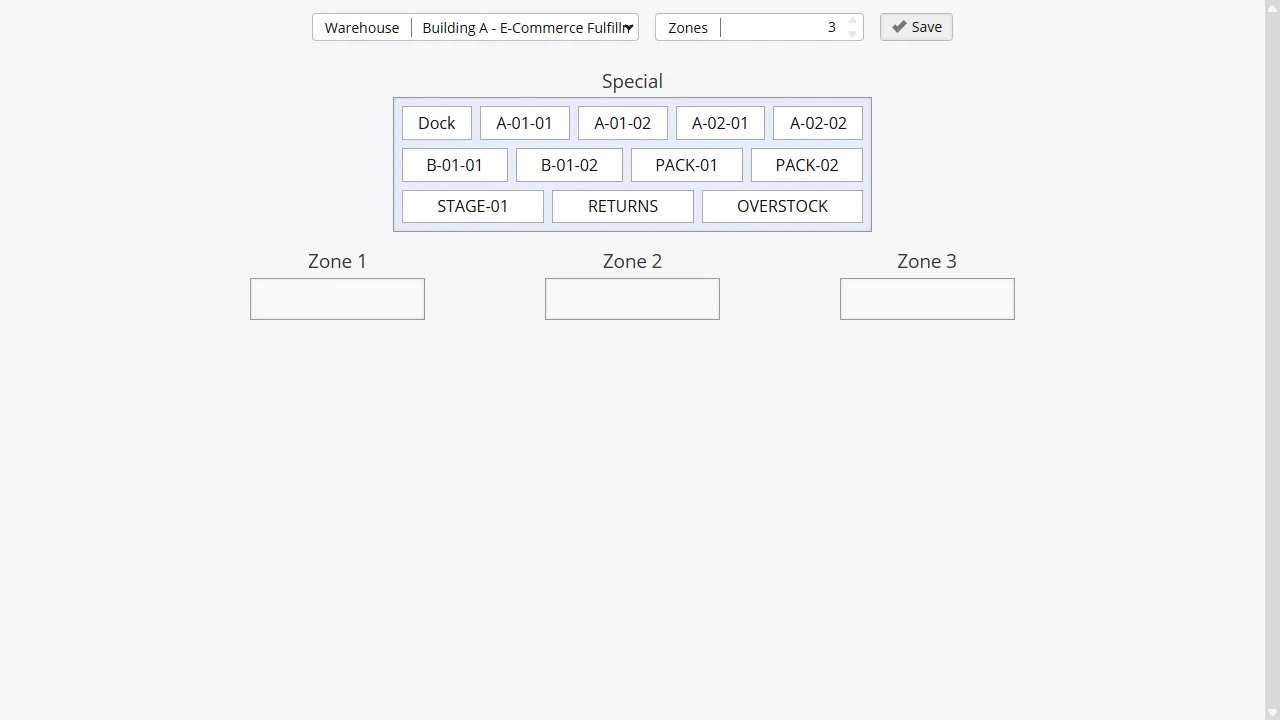
Works for a single plant with a few hundred bins or a DC managing tens of thousands of locations. Zone rules direct inbound material to storage areas based on item type, velocity class, or temperature requirements.
Guided Picking, Packing, and Putaway
Fulfillment in InventoryPro follows a guided workflow — pick, pack, ship. Pick lists are generated with location-sequenced instructions using FEFO and FIFO allocation so the oldest or soonest-expiring lot ships first. Operators scan barcodes at each bin to confirm picks, cutting errors and keeping counts accurate.
On the inbound side, guided putaway lists send stock to the right location based on item defaults, current fill levels, and zone rules. Multi-pick processing lets your team handle several orders at once, consolidating picks by location to cut floor travel. Packing workflows hold items in a packed status until ship or return is confirmed.
Pick-Path Optimization
Pick lists ordered by warehouse zone and location sequence to minimize operator travel time per order.
Multi-Pick Processing
Consolidate picks across multiple orders to increase throughput during high-volume fulfillment periods.
Guided Putaway
Direct inbound stock to optimal locations based on item defaults, zone rules, and current storage utilization.
Packing Workflows
Move picked items through pack verification before shipping, with label printing and ship confirmation.
Item-to-Warehouse Assignment
Not every part belongs at every facility. InventoryPro controls which SKUs are enabled for receiving, storage, and shipping at each location. Assignments are managed individually or in bulk, with visual indicators showing which sites currently hold active stock.
Safeguards block removal of items from facilities that hold existing inventory. Changes validate in real time against procurement and order systems so POs and shipments always reflect the correct facility.
Inter-Warehouse Transfers and Transits
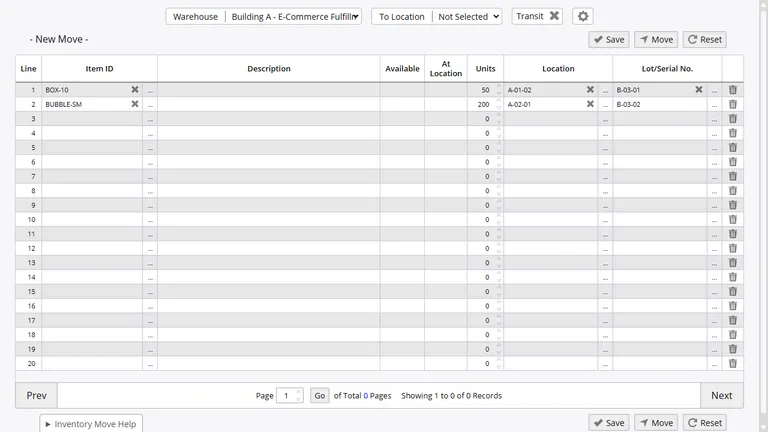
The InventoryPro transit system tracks shipments between plants and DCs with status updates at each stage. Transfer docs are generated automatically and linked to audit trails at both ends.
Dispatched
In Transit
Received
Walk Us Through Your Floor
Describe your facility layout, receiving docks, and shipping operations. We will map a configuration that fits your throughput targets.